
How do I install GLU on Xbox?
Press Y from the Xbox home screen, search for GLU or GLU God Loves You in the Microsoft Store, open the GLU tile, and install the app.

Direct Installation
Installing GLU onto your Xbox is quick and easy.
Power on your television and launch Xbox.
On the Xbox homepage, press the "Y" button to reach the search page, then search for "GLU" or "GLU God Loves You" by using your controller to select and input letters into the onscreen keyboard.
Alternatively, you may use your microphone (if equipped) to search for, "GLU" or "GLU God Loves You".
Navigate to the GLU tile within the search results, and click the "A" button to launch the installation page, then click the "Install" button and the app will begin to install itself. After installation is complete, click the "Launch" button to access the app, and enjoy!
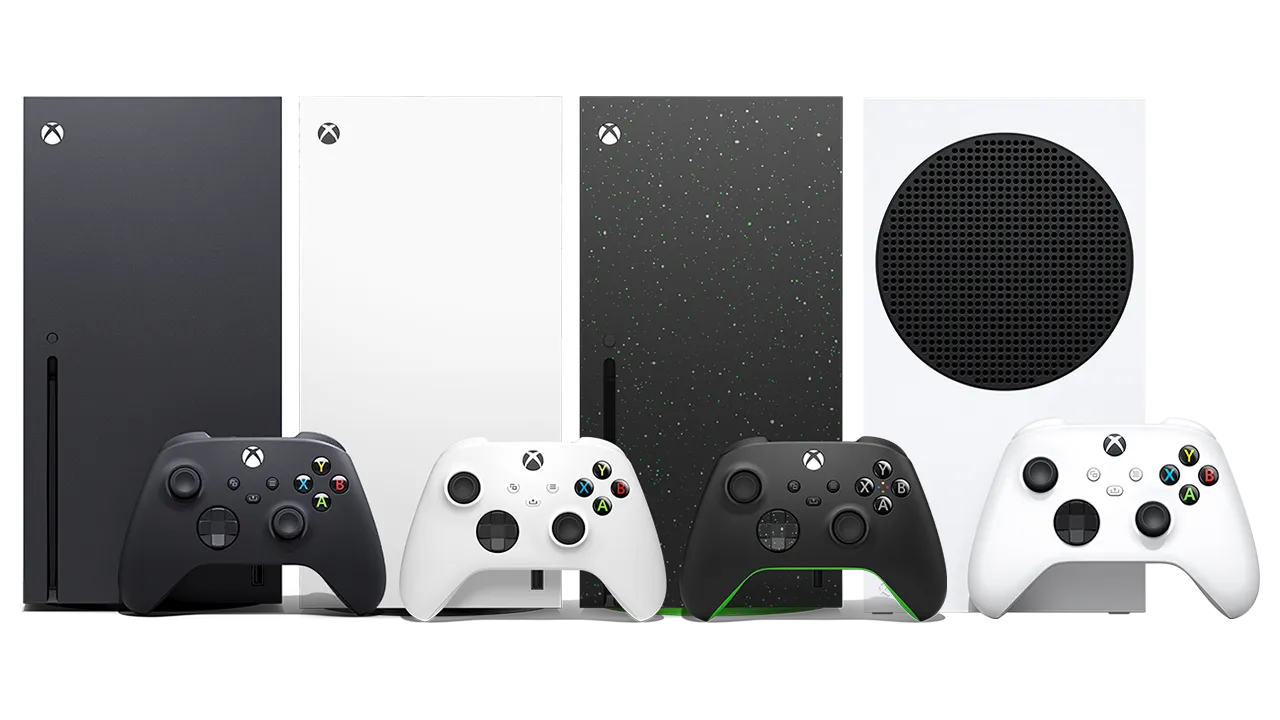
Press Y from the Xbox home screen, search for GLU or GLU God Loves You in the Microsoft Store, open the GLU tile, and install the app.
Yes. GLU is free on Xbox and does not require an account, subscription, credit card, or payment to start watching.